
 /


 The VoxFox team
Make your dorm your own
Everyone gets a dorm of their own. Here's how to set it up, who can come in and what they're allowed to do.
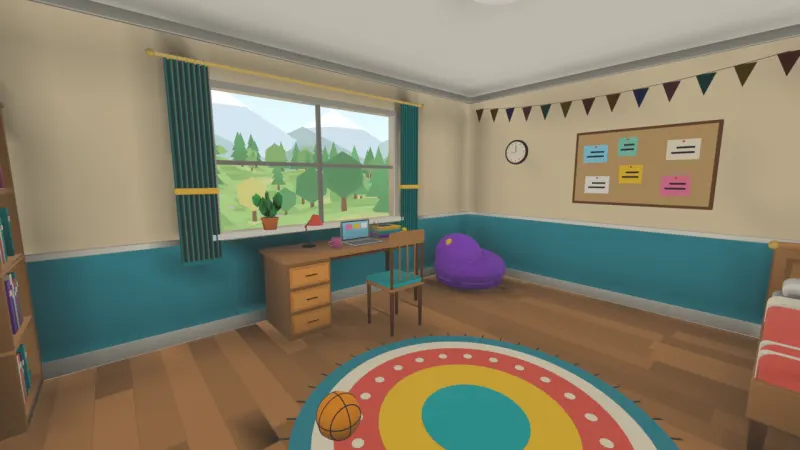
Everyone in VoxFox gets a dorm: a room of your own to start in, come back to and invite friends over to. Here's what you can do with it.
Set it up
Open your watch and go to This Room. The Settings tab lets you name your dorm, choose who can join and how many people can be in at once (a dorm holds up to four). You can let guests fly, and turn gift boxes on or off.
Decide who can do what
The Permissions tab has a row for each thing people can do, from saving and loading the room to picking things up, flying and kicking someone without a vote. Tick what hosts can do and what guests can do. As the owner, you can always do everything.
Save it
Your dorm only saves when you say so. Press Save Now on the Saves tab and it's kept just as you left it, ready for next time.
Have a fight, if you like
The Combat tab decides whether players can hurt each other, whether there are red and blue teams, and how much health everyone has. Handy if a sword fight breaks out.
Then send your friends an invite from their profile, and show them round.
 All news